Register original music
Register a track under one of six supported Creative Commons 4.0 licences. All-rights-reserved music and CC0 are not accepted.
Modern, AI-powered music rights and licensing
For independent musicians and composers, scheduled provider-dependent checks bring possible uses into one review workflow. AI summarises saved evidence and drafts editable messages; you make every rights decision.
Coverage and timing vary. Scans are not continuous or universal; a possible match is a lead, not proof. Licensing, removal and revenue are not guaranteed.

Eligible releasesRegistration is for supported CC 4.0 music.
Provider-dependentCoverage follows configured sources and access.
Composer-ledYou review each lead and choose what comes next.
What subscribers can do
Bring eligible registrations, provider-dependent scans, potential-match evidence, composer-led licensing and supported payment records into one place.
Register a track under one of six supported Creative Commons 4.0 licences. All-rights-reserved music and CC0 are not accepted.
Eligible tracks receive an audio fingerprint, a compact sound reference used during supported provider checks.
Checks use provider paths configured for the service. Coverage and timing vary; monitoring is not continuous or universal.
Check the source and available evidence. AI can summarise saved match details and selected licence terms, then prepare an editable message draft. A potential match remains a lead, not proof of infringement.
Keep available match details together. Choose whether to seek corrected attribution, follow an eligible notice path or take no action.
You choose whether to propose terms. A proposal is not an agreement, and no licence, removal or revenue is guaranteed.
Review a PDF record where a supported licence workflow provides one. A draft or proposal does not confirm an accepted licence.
Payment and payout states are shown only where provider data confirms them. The 85% composer / 15% LicenseTrack split applies only to a successfully completed licence linked to a relevant takedown-related case.
Inside the report
Review the source platform, available match details and licence context, then decide whether any follow-up makes sense for your music.
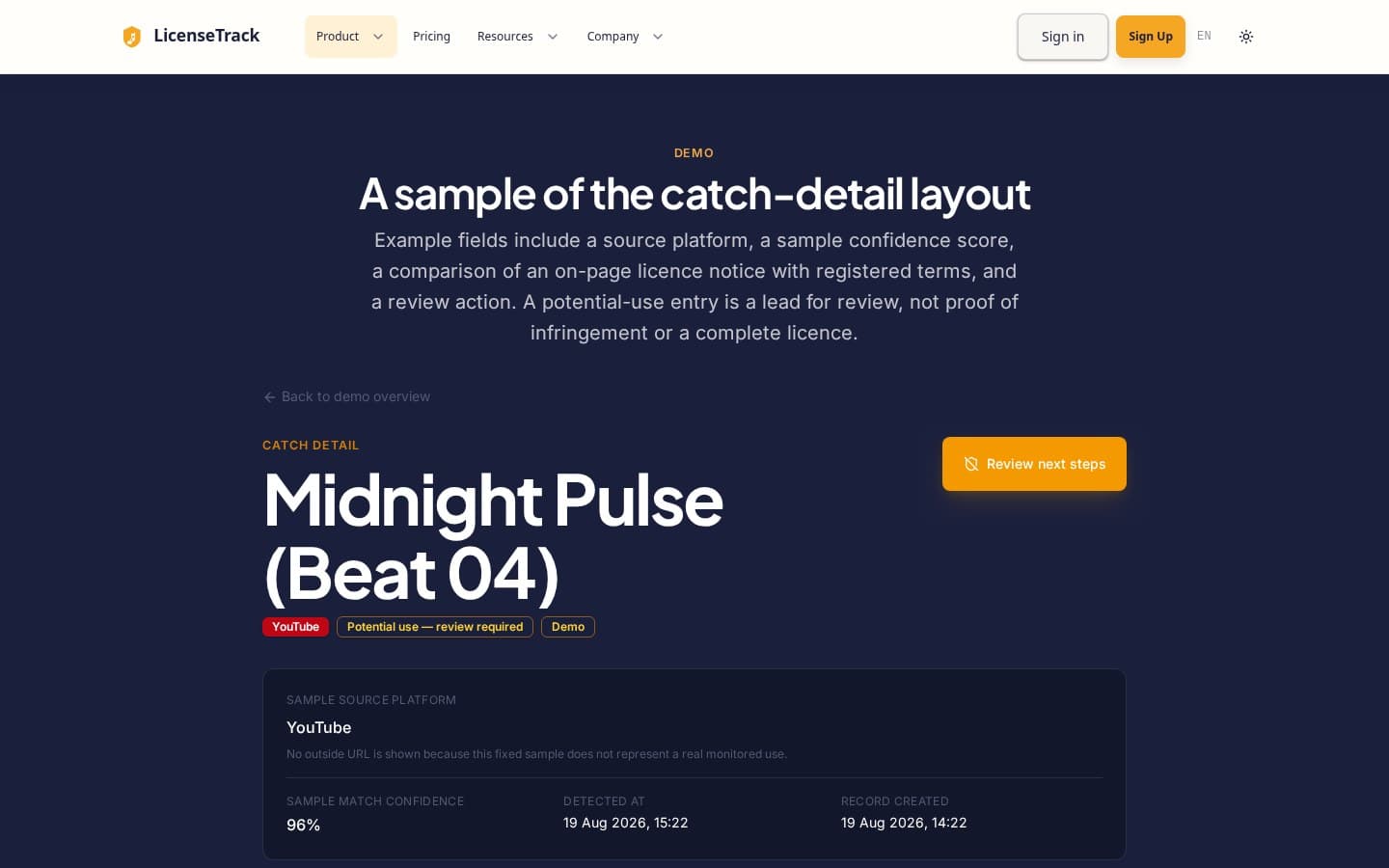
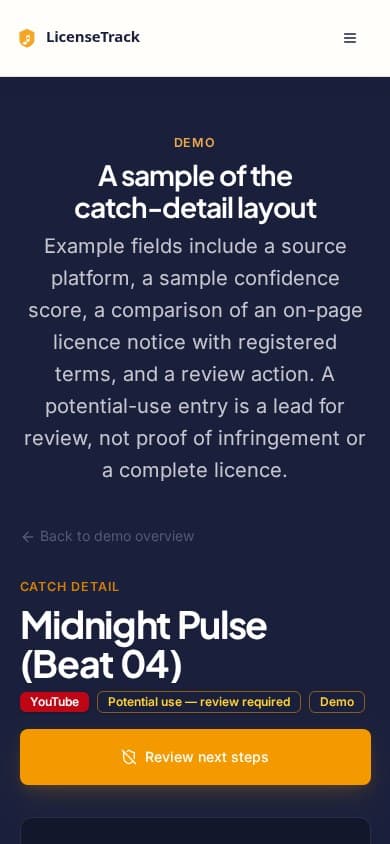
Inside LicenseTrack
Follow the workflow from registration and scanning through evidence review, licensing and payment records.
Screens captured from the application using a synthetic demonstration account. Track names, match details and statuses are sample data, not customer results or verified infringement. Subscription prices are USD; GBP labels refer to separate licensing or payout records. The licensing and earnings views show empty states; no contracts, payments or payouts are represented.
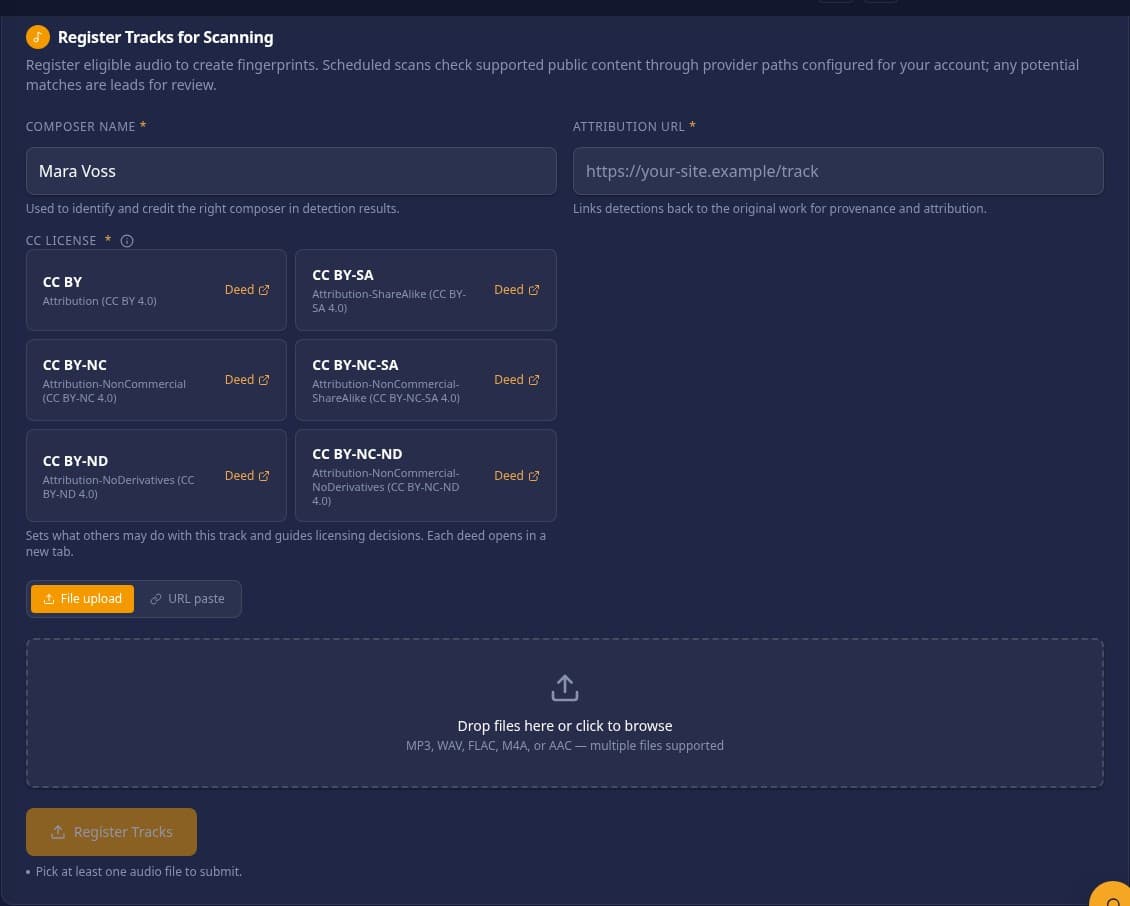
Music registration
Choose a supported licence and enter the track details before submitting eligible audio.
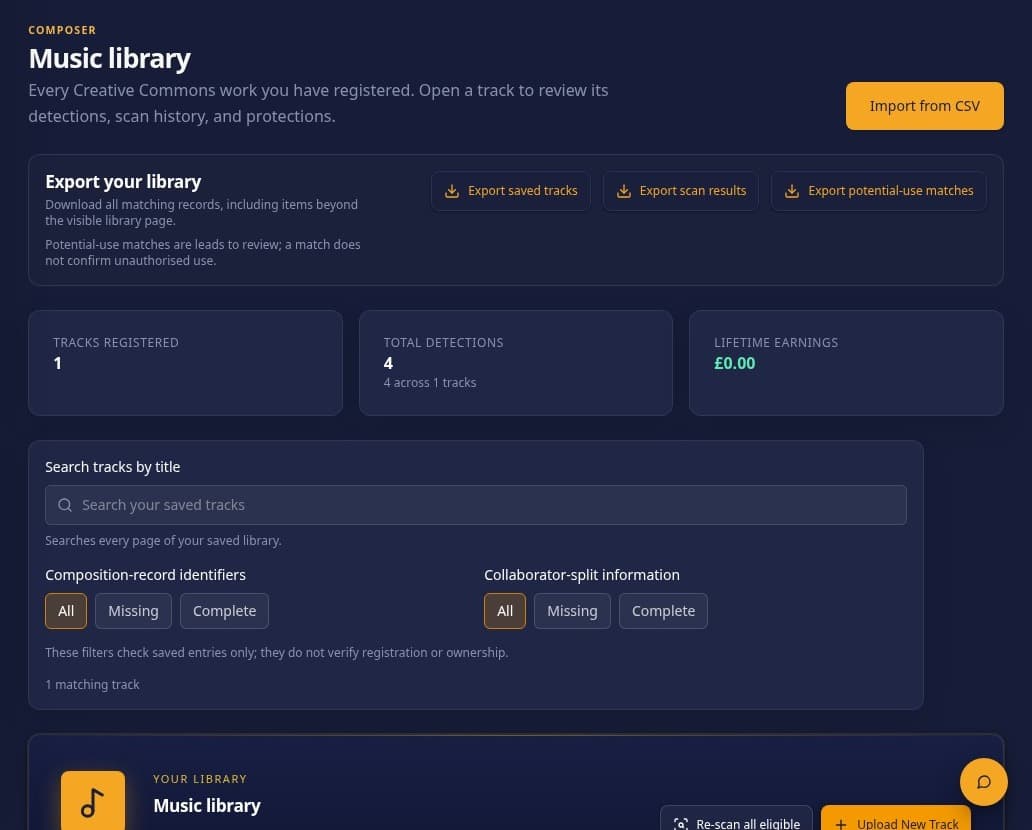
Music library
The synthetic account has one sample track, four sample detections and no recorded earnings.
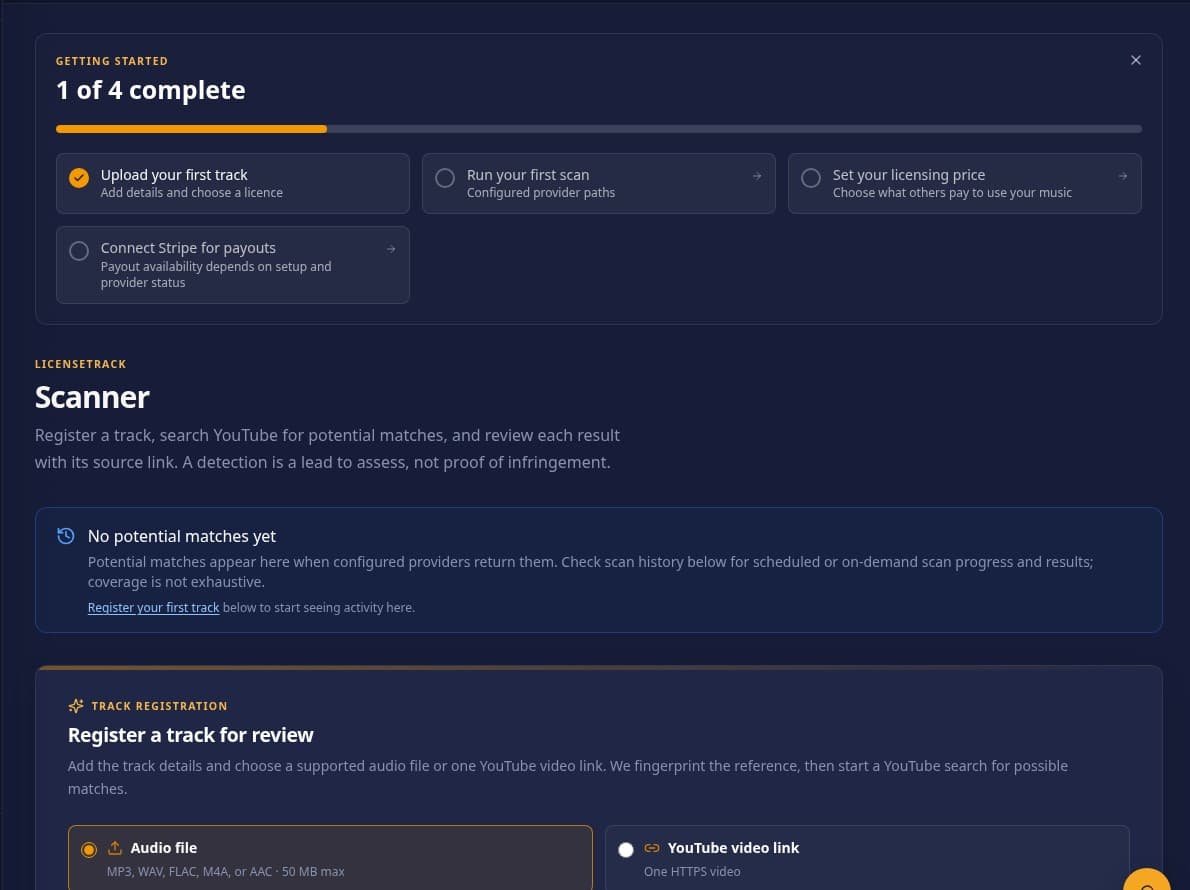
Music scanner
Check scan progress and results returned through the provider paths configured for the account.
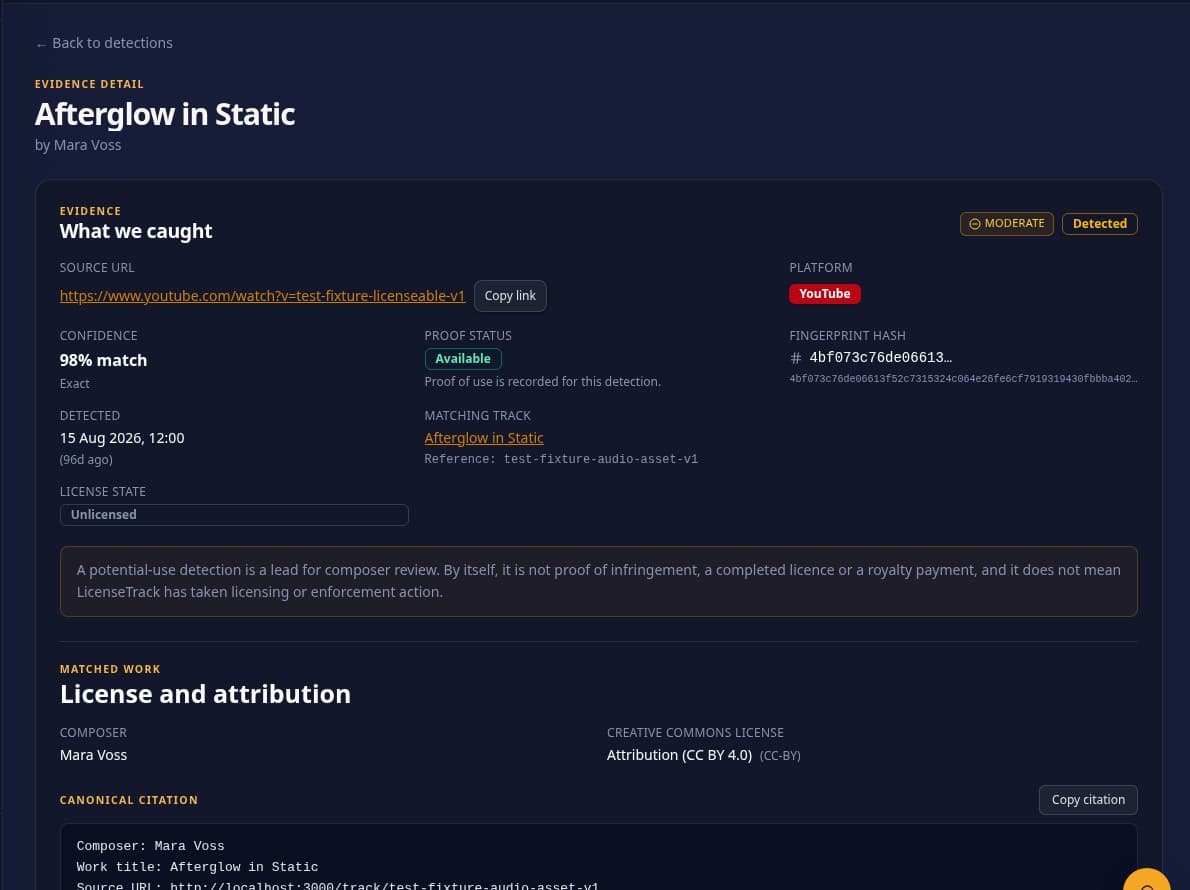
Detected matches
Review a returned lead with its source and saved details. A match does not prove infringement.
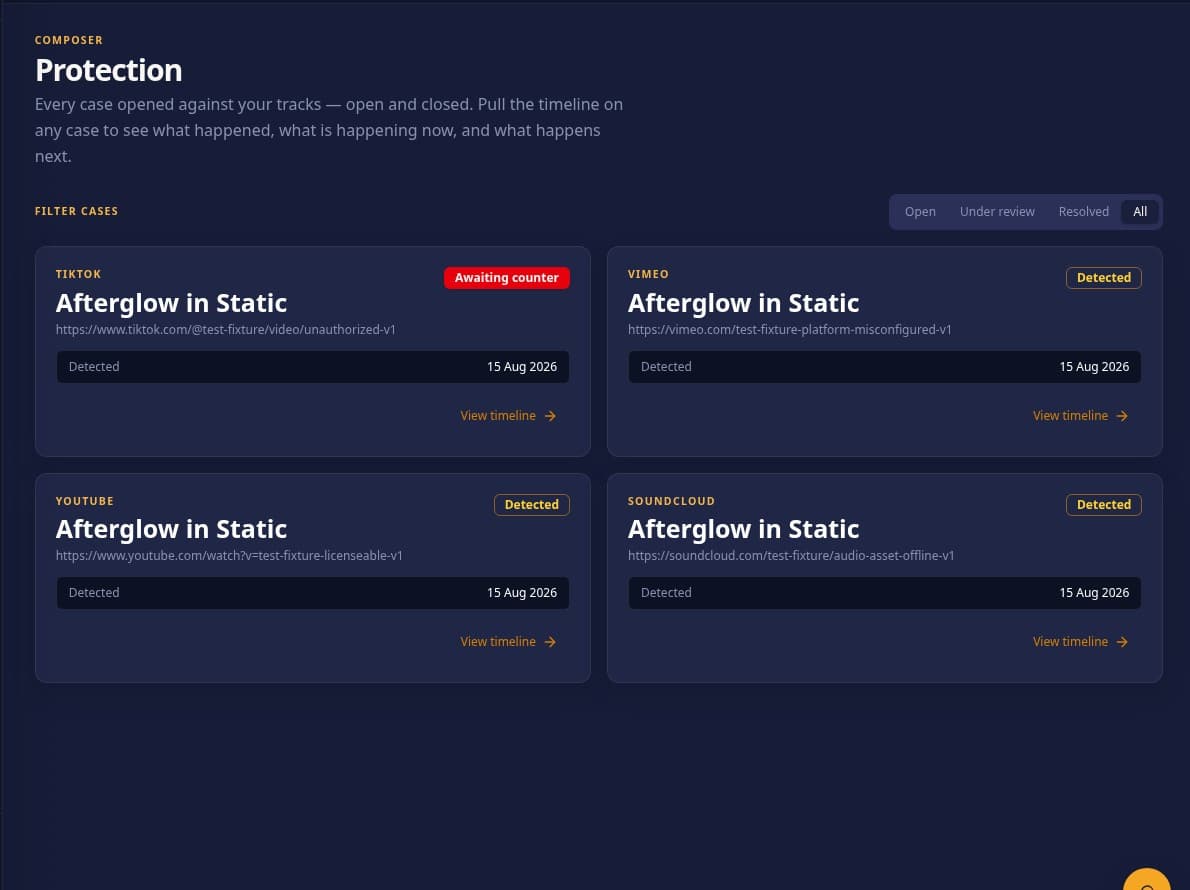
Evidence management
Keep sample case details together while you assess what each potential use means.
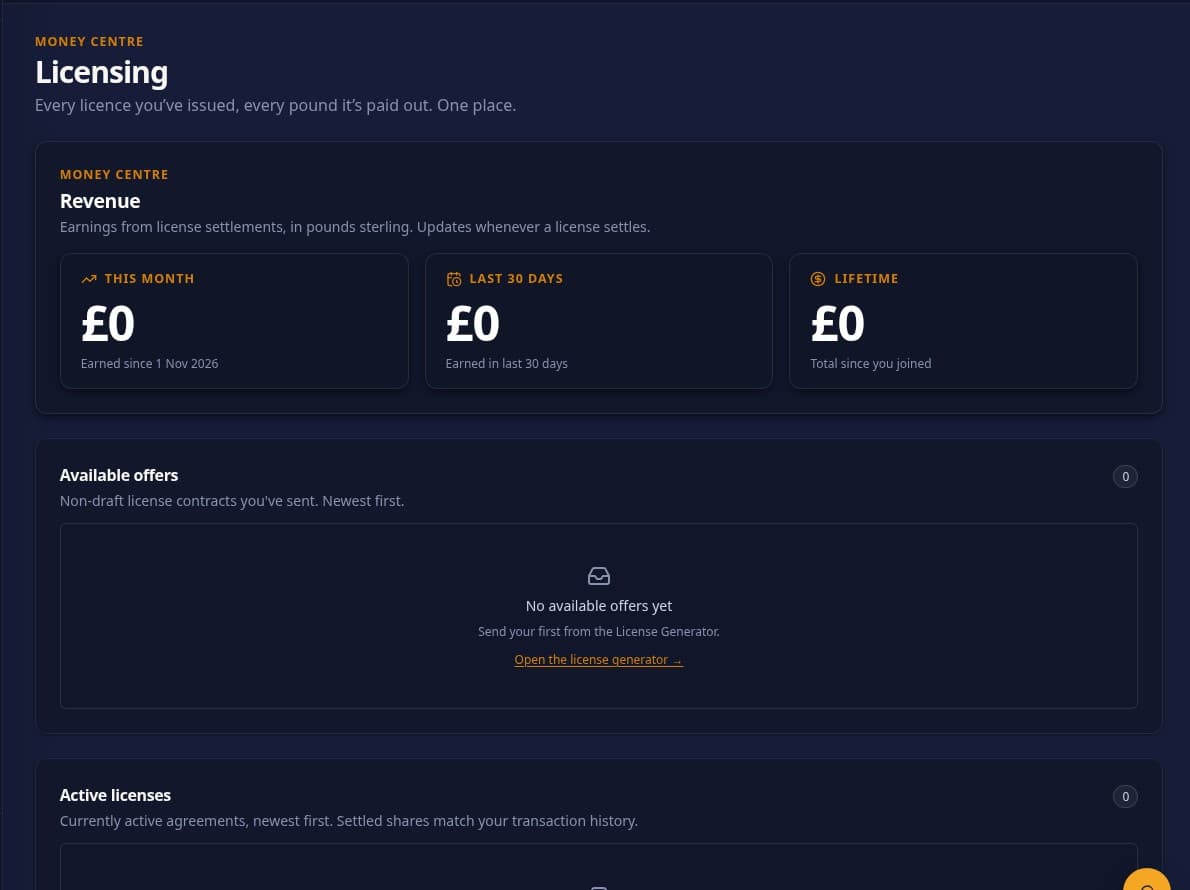
Licensing opportunities
Review offers and settled licence records when provider-backed account data exists.
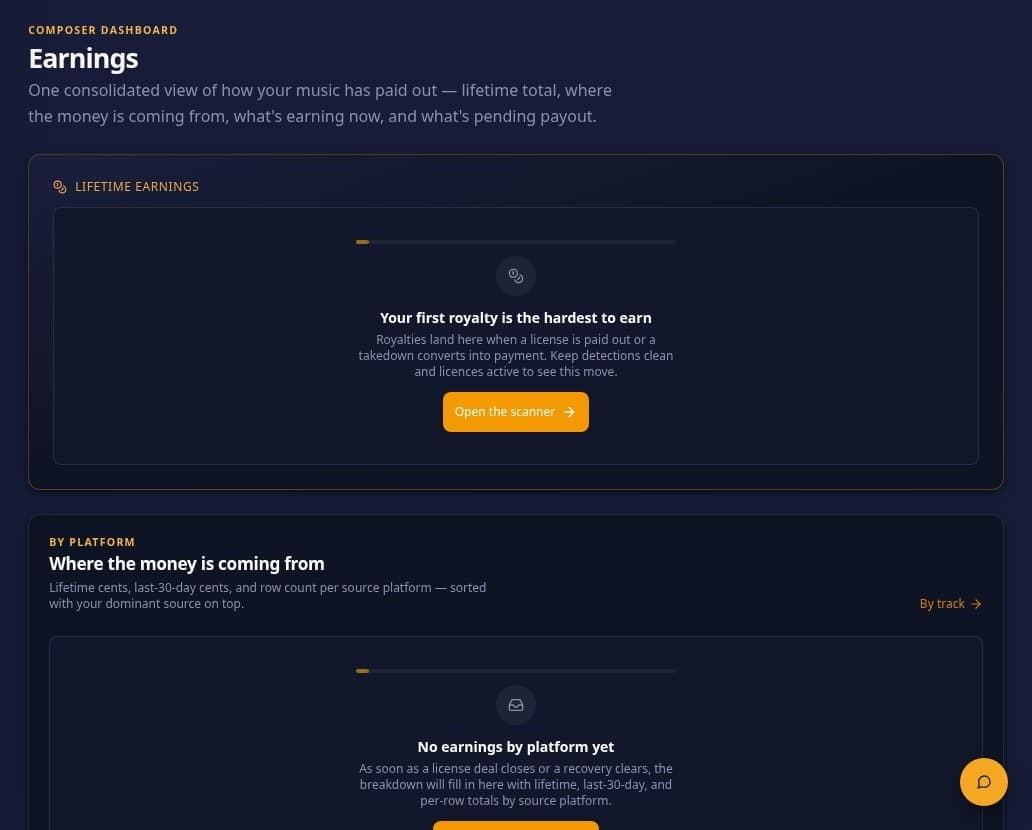
Payments and earnings
This sample account has no earnings or payouts; the app shows payment states only when provider data confirms them.
How it works
From registration through review, every result is a starting point for your own assessment.
Add an original track under one of the six supported Creative Commons 4.0 licences. All-rights-reserved music and CC0 are not accepted by the current registration flow.
LicenseTrack creates an audio fingerprint for an eligible registered track. Think of it as a compact sound reference that helps providers compare music.
Scheduled or on-demand checks use provider paths configured for the service. Coverage and timing vary; monitoring is not continuous or universal.
Check the source, match details, attribution, licence terms and context. A potential match is a lead for your review, not proof of infringement.
You choose whether to seek corrected attribution, discuss a licence, follow an eligible notice path or take no action. Outcomes are not guaranteed.
Registration eligibility
The current registration flow supports these CC 4.0 licence choices:
About LicenseTrack
LicenseTrack is an AI-powered music rights and licensing platform for independent composers. It helps organise eligible track registrations, review possible uses returned through configured providers and keep licensing follow-up in one workflow.
AI assistance is currently scoped to saved match evidence and the selected Creative Commons terms: it can prepare a summary and editable message draft. It does not decide whether a use is lawful, send a notice or guarantee a result. Coverage depends on configured provider paths, and the composer stays in control of each response and licensing discussion.
More about LicenseTrackComposer outcome records
Figures appear only from public profiles with a separate outcome-sharing opt-in and recorded evidence or paid-licence activity. They do not establish infringement or guarantee future results.
Opted-in source records
Verified outcomes from public composer profiles — numbers appear only after opt-in.
Counts registered tracks only for composers who have made their profile public and opted in to share outcome summaries.
Counts non-demo detection records with an active composer-shared evidence link. A match is not proof of infringement.
Paid licences and transferred-to-composer totals are shown only from records marked paid; proposals and pending transfers are excluded.
Pricing
Choose the billing period that suits your catalogue.
$19.99per month
$66.65per year
Prices are in USD. Both plans include a 7-day free trial and require a payment card at signup. The selected subscription price begins billing when the trial ends unless you cancel before expiry.
Questions, answered
Clear answers about matching, coverage and what a composer can choose to do.
You provide a reference track. LicenseTrack creates an audio fingerprint and compares it with supported public content returned by providers configured for the service when a scan runs. A possible match is a lead for human review, not proof of infringement; it does not itself complete a licence or confirm a royalty payment.
Review the source details and evidence, then check the rights you control and any relevant licence terms. You can keep the evidence, request corrected attribution, or prepare a licence proposal or DMCA notice. A possible match is not a legal finding. Automatic notice submission is limited to eligible YouTube or SoundCloud paths when credentials are configured and your saved policy permits it; otherwise the notice is a draft or manual platform route.
A DMCA notice is a request for a platform to remove or disable access to content you allege infringes rights; submission does not guarantee acceptance or removal. Review the source, rights, attribution and licence terms first: a compliant Creative Commons use is not automatically a notice or paid-licence case. Eligible YouTube or SoundCloud notices can be submitted automatically only when the required platform credentials are configured and your saved policy permits it. For other platforms, or when an automated route is unavailable, LicenseTrack prepares the notice for you to submit manually through the platform’s official copyright reporting route. A separate paid proposal requires agreed terms.
Check the exact track and source, and who controls the composition, recording and other rights needed. Apply the exact Creative Commons (CC) licence and version to the campaign’s edits and video synchronisation: all standard CC licences require attribution (BY); NC restricts uses primarily intended for commercial advantage or monetary compensation; ND may bar video synchronisation as a derivative; and SA requires shared adaptations to use the same or a compatible licence. Credit the composer or artist, source, and exact licence and version; include the title where that version requires it, and link to the source and licence where possible. Make credit visible or otherwise findable in a format suited to the campaign video or audio. Metadata alone is insufficient, and no single placement fits every licence or platform. Assess NC from all use and distribution facts, not charity or non-profit status alone: check sale or monetisation, paid advertising or commercial broadcast, sponsorship, and links to a for-profit product. An unsold, unmonetised charity video unconnected to a for-profit product may fit NC; that is an assumption, not a determination. Specific jurisdictional treatment remains unresolved. Compliant CC use does not automatically earn a fee or royalty; separate commercial permission concerns uses outside the CC grant.
Start with your music
See the existing plans and signup terms, then decide whether LicenseTrack fits your work.